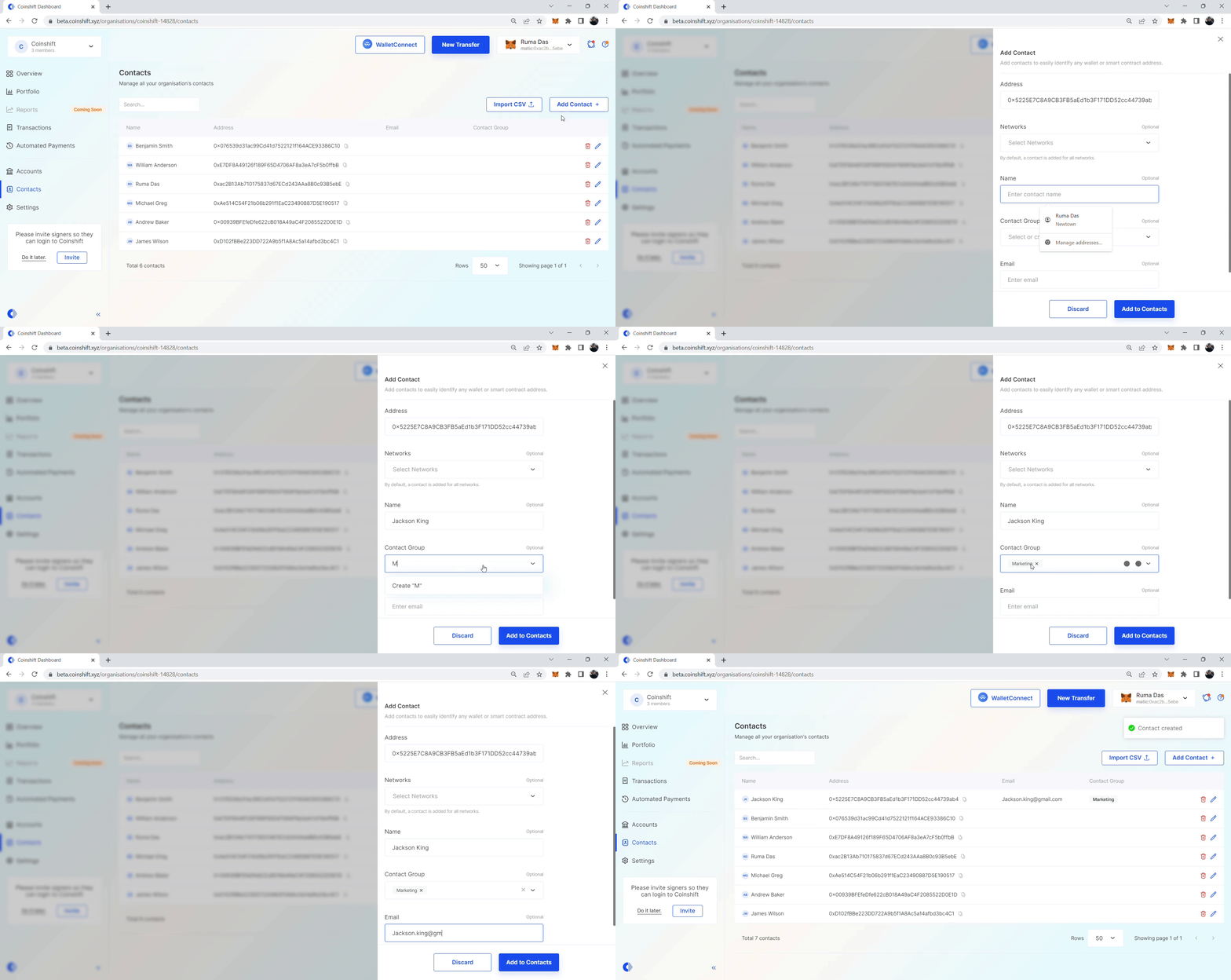
> For the complete documentation index, see [llms.txt](https://docs.coinshift.xyz/llms.txt). Markdown versions of documentation pages are available by appending `.md` to page URLs; this page is available as [Markdown](https://docs.coinshift.xyz/business/coinshift-walkthrough/contact-management/add-contact.md).
# Add Contact
Add contacts to your organisation and use them across all the associated Safes.
You can effortlessly add a community member's contact address to an organisation on [Coinshift](https://coinshift.xyz/).
Follow these steps to add a contact to your organisation.
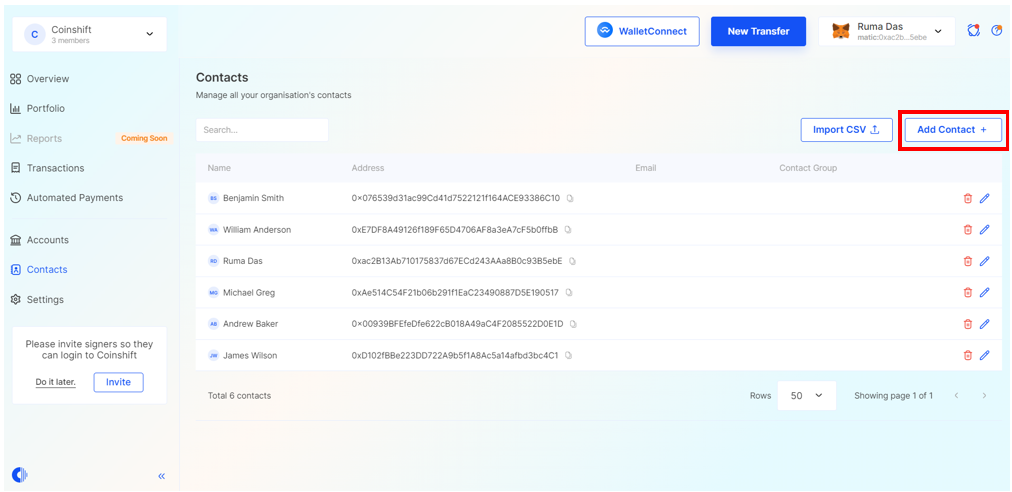
## **Step 1: Access** **the 'Add Contact' feature**
Navigate to the **Contacts** section and select the **Add Contact** option, as highlighted in the screenshot below.
## **Step 2: Input contact information**
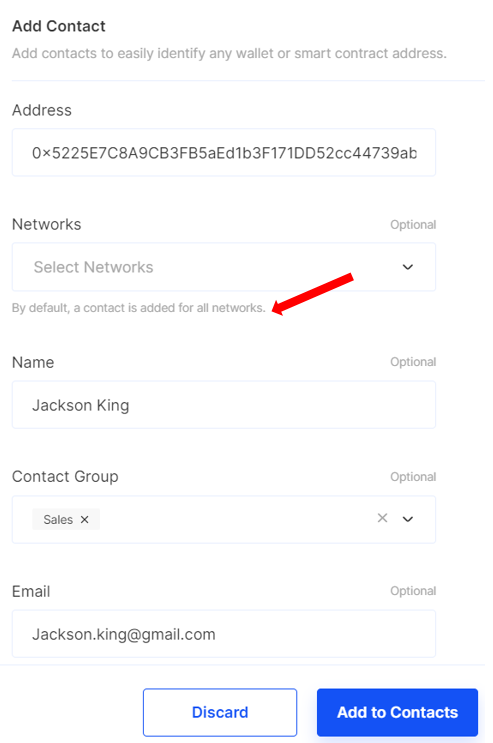
A window will appear, prompting you to input the following information:
* Address (ENS or wallet address)
* Networks (optional)
* Name (optional)
* Contact Group (optional)
* Email (optional)
{% hint style="info" %} Unless otherwise specified, contact information will be systematically integrated across all available networks by default.
{% endhint %}
After entering the necessary details, click on the **Add to Contacts** button to finalise the process.
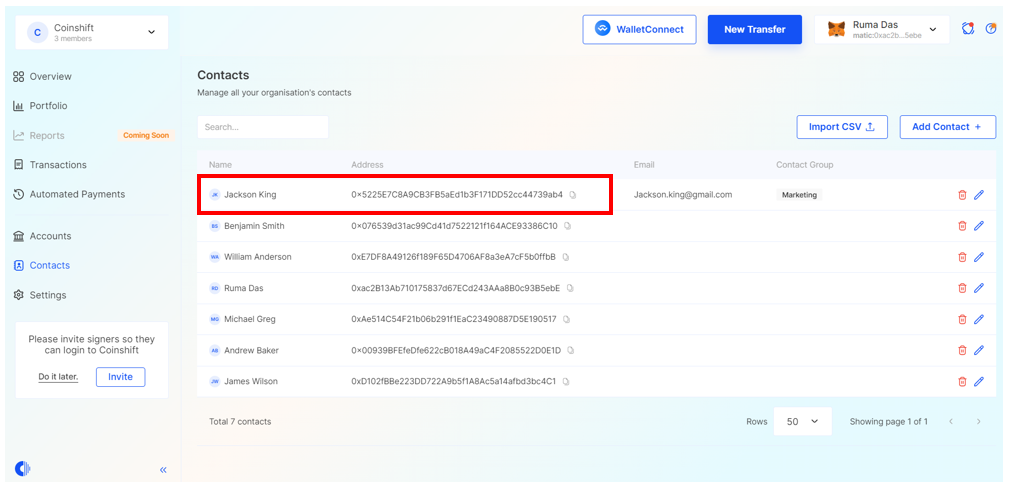
Upon completion, the new contact will be successfully added to your contact list, making it available for use across your organisation.